
Political Messages Appear Unsolicited in Google Calendars Ahead of Election
Translated & summarized from N12 by baba
Users of Google Calendar have discovered unsolicited political messages appearing as calendar invitations just days before the election. Cybersecurity experts clarify this doesn't confirm a hack but warns of potential malicious links within the invites. Users are advised to remove suspicious entries and adjust calendar settings to prevent automatic additions.
The story in 5 lines · by baba
- Unsolicited political messages are appearing in Google Calendar invitations before the election.
- Experts say the calendar entries do not necessarily mean accounts have been hacked.
- One invite was for Election Day, titled 'Election - Sending Sarah to Miami'.
- The messages could contain dangerous links or files, experts warn.
- Users should remove suspicious invites and adjust calendar settings.
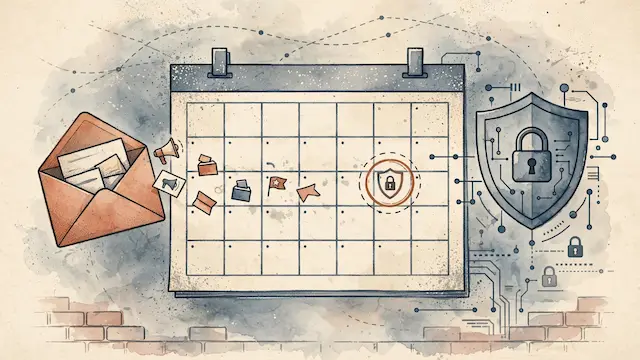
Users of Google Calendar are reporting the appearance of unsolicited political messages disguised as calendar invitations, just six days before the upcoming election. These mysterious entries, which users did not create, are appearing in their personal calendars, raising concerns about potential account breaches.
One reported incident involved an invitation for Election Day, October 27th, titled "Election - Sending Sarah to Miami," scheduled to last nearly the entire day. These invitations are seen as another attempt to influence public opinion through a widely used personal organization tool.
Cybersecurity experts, however, state that the mere appearance of these events does not necessarily indicate a hack. "Popular calendar systems, like Google's or Microsoft's, allow anyone to send us a meeting invitation," explained Gil Messing, Head of Staff at cybersecurity company Check Point. "In many cases, the default setting allows the invitation to appear automatically in our calendar. This in itself does not indicate a breach."
Despite this, Messing cautioned that these invitations could contain malicious content, such as dangerous links or files. He recommended users avoid clicking on links or opening files from unknown invitations and to remove suspicious entries. Additionally, Google Calendar settings can be adjusted to prevent the automatic addition of events from unknown sources, thereby limiting the ability of external parties to directly add invitations to a user's schedule.
The same event, reported separately by each outlet. Open a few to compare what different newsrooms emphasize — and what they leave out.
Only N12 so far.